
How to Optimize Your Video Content for the Denver Market
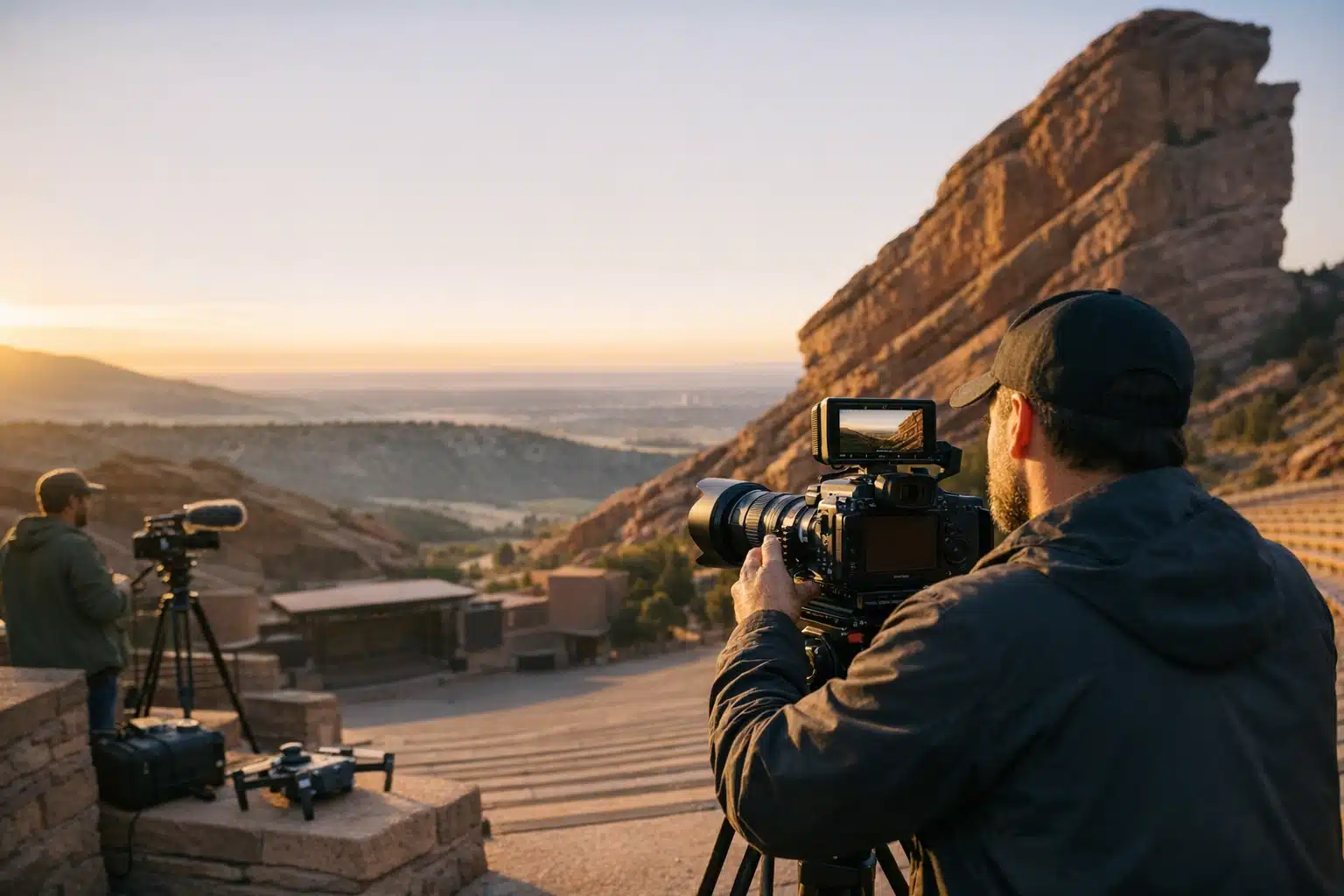
Denver's high altitude creates harsh lighting and unique filming conditions that require specific adjustments for video content. Expo Productions explains how local businesses can optimize footage, formats, and distribution to reach Front Range audiences effectively.
- The thinner air at 5,280 feet lets more UV light through, so filming during golden hours - the first two hours after sunrise and last two before sunset - produces warmer footage with better detail.
- Recognizable Denver locations like RiNo Art District, Union Station, and Cherry Creek paths build instant trust with local viewers, though commercial shoots require permits planned two to three weeks ahead.
- Local video marketing success depends on naming files with location keywords, adding transcripts for search engines, and posting to Google Business Profile to boost map visibility.
Optimizing video content for Denver requires adjusting for the city's mile-high altitude conditions, where stronger sunlight and harder shadows affect every frame. Film with these lighting conditions in mind, then format content around local audience search habits and viewing preferences. Focus on editing specs and distribution strategies that resonate specifically with Colorado viewers and businesses.
Denver’s mile-high altitude changes how your video footage looks before you even hit record. The sun sits stronger here, shadows fall harder, and that affects every frame. Video optimization in Denver means filming for these conditions, then formatting content around how local audiences search and watch. This post covers the filming choices, editing specs, and distribution habits that move the needle for Colorado businesses.
Denver viewers behave differently than coastal audiences. They respond to mountain backdrops, outdoor settings, and brands that feel rooted in the Front Range.
Why Video Optimization in Denver Requires Local Knowledge
Video optimization means adjusting your footage, format, and distribution to match a target audience and platform. For Denver, that target has specific habits worth building around.
Local search drives a large share of discovery here. A plumber in Wash Park and a brewery in RiNo both compete for “near me” video results on Google and YouTube.
Three Denver-specific truths shape smart video work:
- Altitude light is harsh. The thinner air at 5,280 feet lets more UV and direct sun hit your subject.
- Weather flips fast. A clear morning shoot can turn into afternoon hail by 2 p.m.
- Outdoor identity sells. Denver audiences trust brands that show real Colorado settings.
Ignore these, and your footage looks generic. Build around them, and your video feels like it belongs here.
How Denver Light Affects Your Footage
Shoot outdoors between 10 a.m. and 2 p.m., and you fight blown-out skies and dark eye sockets. The high-altitude sun creates contrast that cheap cameras cannot handle.
Film during the golden hours instead. In Denver, that means roughly the first two hours after sunrise and the last two before sunset.
For a brand shoot near Red Rocks or along the South Platte, we plan start times around these windows. The result reads warmer and holds detail in both highlights and shadows.
Filming Locations That Give Denver Video an Edge
Location choice signals authenticity to Denver viewers. A recognizable backdrop builds instant trust with a local audience.
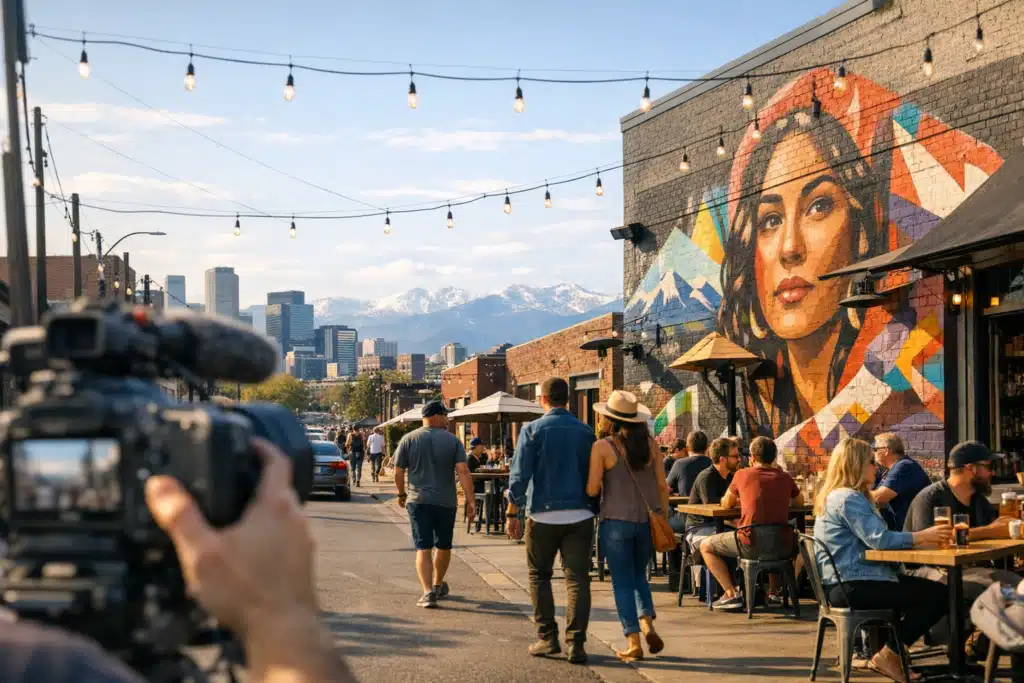
Strong, workable Denver filming spots include:
- RiNo Art District — murals and brick walls for creative brands and studios.
- Union Station — clean architecture for corporate and hospitality content.
- Cherry Creek paths — greenery and water for wellness and lifestyle brands.
- Front Range foothills — mountain backdrops for outdoor and adventure companies.
- Larimer Square — historic lighting for restaurants and events.
Each spot carries permit rules. Public parks and Denver facilities require permits for commercial shoots with crew and lighting.
Plan permit requests two to three weeks ahead. Last-minute location grabs risk fines and lost shoot days.
Shooting Scenic Content Without Losing Your Message
A mountain view behind your subject looks great. It also pulls attention away from your product if you let it.
Keep the backdrop as context, not the star. Frame your subject in the foreground sharp, and let the scenery stay slightly soft.
For a Denver fitness studio, we shot trainer interviews with a foothills horizon behind glass. The setting said “Colorado” without stealing focus from the coaching message.
Formatting Video for How Denver Audiences Watch
Format decisions shape whether your video gets watched or skipped. Match the cut to the platform and the viewer’s attention.
Follow these format rules for Denver reach:
- Vertical 9:16 for Instagram Reels, TikTok, and YouTube Shorts.
- Square 1:1 for in-feed Facebook and Instagram posts.
- Horizontal 16:9 for YouTube long-form and website headers.
- Captions always on. Most social video plays muted at first.
Keep the first three seconds strong. Open on a face, a motion, or a clear hook before any logo.
Length Targets That Hold Attention
Shorter cuts win on social. Longer cuts earn their place on your site and in sales follow-ups.
Useful starting lengths by purpose:
- Social ad: 15 to 30 seconds.
- Brand story: 60 to 90 seconds.
- Testimonial: 45 to 75 seconds.
- Event recap: 60 to 120 seconds.
Cut one master video, then trim platform versions from it. One shoot day can supply a month of content.
Local Video Marketing That Earns Denver Search Rankings
Local video marketing connects your footage to the searches Denver customers already run. Good video that nobody finds wastes the budget.
To rank video for Denver searches, follow these steps:
- Name files with location keywords before upload, like “denver-cafe-interview.mp4.”
- Write titles with the neighborhood or city, such as “Catering in Cherry Creek.”
- Add transcripts so search engines read every spoken word.
- Embed video on relevant site pages, not just a buried gallery.
- Post to your Google Business Profile, which boosts local map visibility.
Video on a landing page keeps visitors there longer. Longer visits send positive signals to Google’s local ranking system.
Connecting Video to Denver Seasons
Denver marketing moves with the seasons more than most markets. Fall aspen content, winter ski tie-ins, and summer patio scenes all land at the right moment.
Plan a shoot calendar around these windows. Film autumn footage in late September, before the first heavy snow strips the leaves.

I’ve had the privilege of seeing his productions firsthand, and it’s clear that his heart and passion for what he does shine through in every project. Matthew is not just a talented creator—he’s an incredible businessman who is focused on helping other business owners stand out in the marketplace.
When you invest in yourself and your business with Matthew, the results are transformative. Not only will others see your business in a new light, but you’ll also feel re-energized and inspired about what you do.
I highly recommend Matthew and Expo Productions to anyone looking to create their next commercial spot or business showcase. He will ensure you and your business look amazing—because the truth is, he is amazing at what he does.
 Posted on Google
When to Hire a Videographer Versus Filming It Yourself
Phone cameras handle quick, casual clips fine. A product launch, brand film, or paid ad campaign asks for more control.
Signs you need a Denver video team:
- The footage will run as a paid ad.
- You need multiple locations or a full shoot day.
- Lighting, audio, or interviews must look polished.
- The video carries your main brand message.
DIY clips cost near nothing but read as homemade. A funded shoot protects the first impression your brand makes.
What Shapes Video Shoot Pricing in Denver
Denver video pricing moves with scope, not a flat menu. A half-day single-location shoot costs far less than a multi-day campaign.
Main pricing drivers include:
- Shoot length — half day versus full day versus multi-day.
- Crew size — solo shooter versus director, camera op, and audio.
- Edit complexity — one cut versus a dozen platform versions.
- Add-ons — drone, motion graphics, voiceover, or licensed music.
Ask any Denver video partner for a scope breakdown. A clear quote ties every line to a deliverable you can picture.
Turning One Shoot Into a Month of Denver Content
Smart planning stretches a single shoot day across weeks of posts. Shoot wide, then cut narrow for each platform.
A repeatable approach after one Denver shoot:
- Cut one 90-second brand film as the anchor.
- Pull three 15-second vertical clips for Reels.
- Create two square testimonials for feed posts.
- Save behind-the-scenes photos for extra posts.
- Draft caption copy that names your Denver location.
This turns one investment into steady visibility. Your feed stays active without a new shoot every week.
Bringing It Together for Denver Brands
Denver video works when you film for altitude light, choose settings that read as local, and format each cut for how people watch. Pair that with location keywords and seasonal timing, and your content reaches the right Front Range audience.
Expo Productions plans and films brand video built for the Denver market. Call or text us at 303‑775‑0248, email matthew@expoproductions.com, or visit https://expoproductions.com to start your next project.
Sources
- National Weather Service – Denver/Boulder Forecast Office
- City and County of Denver – Film and Photo Permitting
- Google – Add Photos or Videos to Your Business Profile
