
The Benefits of Using Professional Videography for Denver Conferences
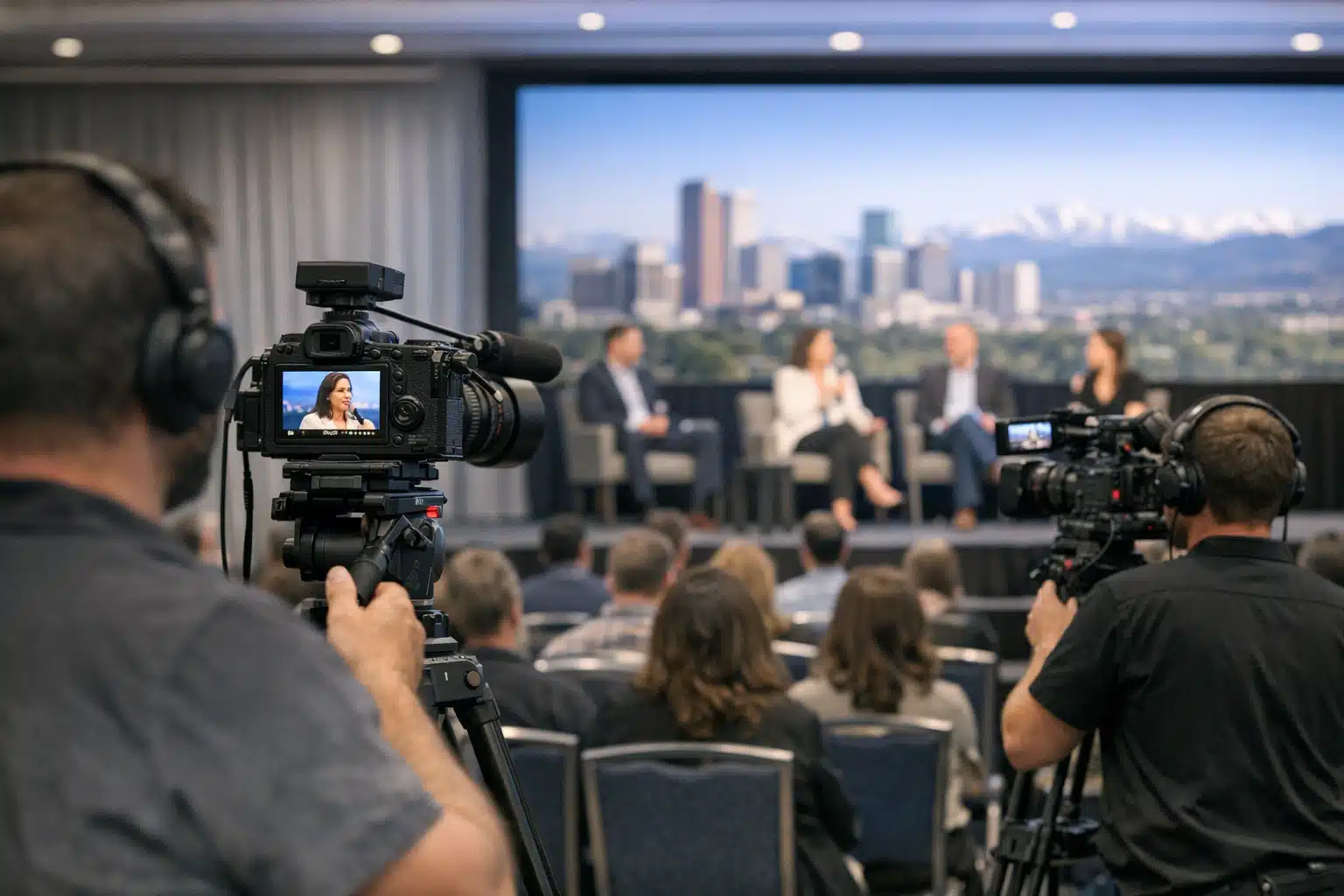
Professional videography adds significant value to Denver conferences by providing multi-camera coverage, clean audio, and live streaming capabilities that phone recordings cannot match. Expo Productions offers conference filming services across Colorado with same-day highlight options and hybrid stream setups.
- Multi-camera setups capture speaker angles, slides, and audience reactions while providing backup footage if something goes wrong during recording. Cutting between angles keeps viewers engaged compared to static single-camera shots.
- Audio quality often fails with DIY filming because on-camera microphones pick up room noise instead of speakers. Pro crews pull sound directly from venue soundboards and record backup audio sources.
- One filmed conference can supply a full year of marketing content including highlight reels, session recordings, speaker soundbites, and testimonials for future registration campaigns.
Professional videography for Denver conferences helps extend your event's reach beyond in-person attendees by creating shareable content for marketing and training purposes. High-quality video captures keynote speeches, panel discussions, and networking moments that can be repurposed for social media, websites, and future promotional materials - maximizing your event investment long after the conference ends.
Why Denver Conferences Need More Than a Cellphone Camera
The Colorado Convention Center hosts over 400 events each year, drawing tens of thousands of attendees to downtown Denver. That level of activity has created steady demand for conference videography across the Front Range.
Event organizers now expect video assets that work long after the closing keynote. A single-day summit can produce content for a full year of marketing.
This post breaks down what pro videography adds to Denver conferences. You will learn about coverage formats, planning steps, pricing factors, and how filming choices affect your final footage.
What Conference Videography Actually Includes
Conference videography is the practice of recording live event sessions, speakers, panels, and attendee moments for later distribution. It goes beyond pointing one camera at a stage.
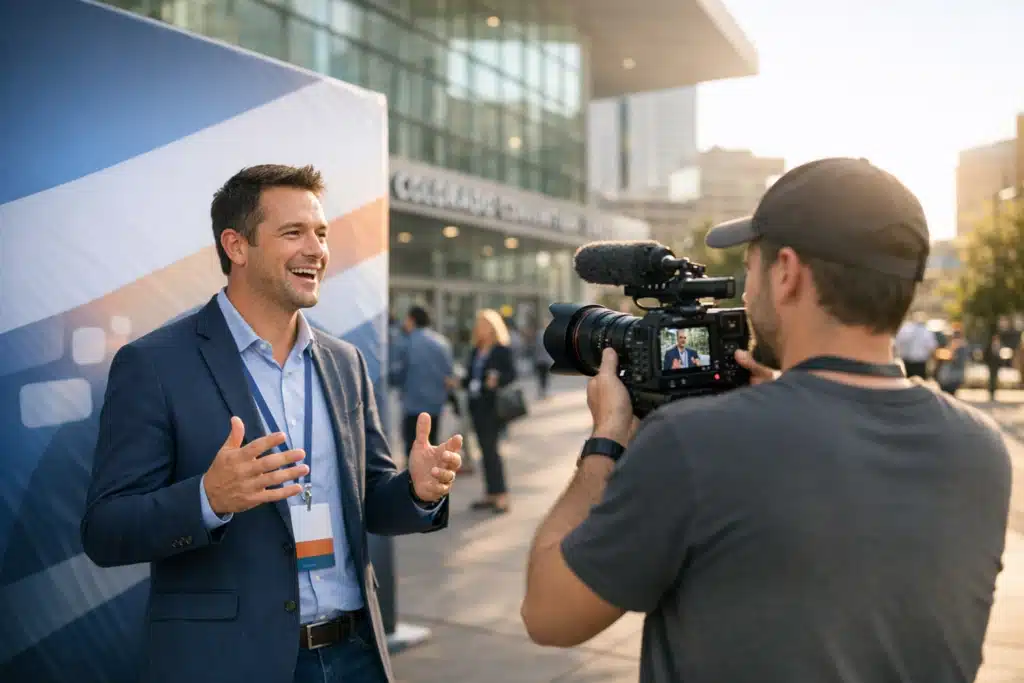
A trained crew captures multiple angles, clean audio, and B-roll of the venue and crowd. The result becomes highlight reels, session recordings, testimonials, and social clips.
The Main Deliverables You Can Expect
- Highlight reel: A 2-3 minute recap for websites and social media.
- Full session recordings: Edited talks for on-demand libraries or paywalled content.
- Speaker soundbites: Short vertical clips for LinkedIn and Instagram.
- Attendee testimonials: On-the-floor interviews that build trust for next year.
- Live stream feed: Real-time broadcast for remote attendees.
Each format serves a different marketing goal. A highlight reel sells next year’s tickets. Session recordings extend the value of a one-day event for months.
How Multi-Camera Coverage Changes the Result
A single camera on a tripod misses reactions, slides, and audience energy. Multi-camera setups solve that problem at Denver events with fast-moving agendas.
At a typical breakout session, one camera stays wide on the stage. A second frames the speaker tight. A third captures the audience or a picture-in-picture of presentation slides.
Why This Matters for Editing
Cutting between angles keeps viewers watching. A 45-minute keynote from one static shot loses people in the first two minutes.
Multi-camera footage also covers mistakes. If a speaker turns away or a light flickers, the editor switches to another angle instead of stopping the recording.
Audio Is the Part DIY Filming Gets Wrong
Poor sound ruins more conference footage than poor picture. The Bellco Theatre and hotel ballrooms around Denver each carry different acoustic problems.
A pro crew pulls audio directly from the venue’s soundboard when available. That feed captures lavalier mics and stage sound without room echo or HVAC hum.
The Backup Audio Rule
Experienced videographers record at least two audio sources at once. A soundboard feed plus a shotgun mic on camera means one bad channel never sinks the recording.
DIY setups usually rely on the on-camera microphone alone. In a room of 300 people, that mic picks up coughs, chairs, and side conversations instead of the speaker.
Live Streaming Denver Events to Remote Audiences
Hybrid conferences are standard across Colorado now. Many organizers sell virtual tickets alongside in-person passes to reach a wider audience.
Live streaming requires a stable encoder, a dedicated internet line, and a switcher operator. Convention center Wi-Fi rarely holds up for broadcast-grade streaming.
What a Stream Setup Needs
- A hardwired internet connection separate from attendee Wi-Fi.
- A hardware encoder to send clean video to the streaming platform.
- A switcher to cut between speaker, slides, and Q&A cameras.
- An operator watching the feed for dropped frames and audio sync.
Skipping any of these steps risks a frozen stream during your keynote. Remote attendees who paid for access will notice within seconds.
How Denver’s Filming Conditions Affect Your Video
Denver’s altitude and light create specific filming factors. The city sits at 5,280 feet, and the high-altitude sun produces harsh, contrasty light near large windows.
Many Denver venues feature glass walls with mountain views. That daylight shifts fast between morning and afternoon, forcing camera operators to adjust exposure throughout the day.
Winter Versus Summer Scheduling
Winter conferences bring shorter daylight and flat overcast light from snow cover. Summer events face bright afternoon glare that blows out window backgrounds.
A prepared crew plans camera positions around the sun’s path. Facing cameras away from west-facing windows during afternoon sessions keeps skin tones correct.

Matthew is incredibly easy to collaborate with, always positive, always on time, and consistently professional. His work ethic stands out, and it shows in everything he does. He’s patient, attentive, and genuinely cares about both the quality of his work and the impact we will have with the work produced.
What sets him apart even more is his collaborative approach. He listens, contributes ideas, and helps bring our vision to life in a way that feels authentic and stress-free! On top of that, his pricing is more than fair for the level of quality and service he provides.
Honestly, I wouldn’t want to work with anyone else. If you’re looking for a videographer who is reliable, talented, and truly invested in your success, Matthew is everything you could ask for!!
 Posted on Google
Comparing Professional Videography vs DIY Filming
Some organizers assign a staff member to record with a phone. That approach saves money upfront but limits what the footage can do afterward.
Where DIY Falls Short
- Single angle: No cutaways, no slide capture, no crowd reactions.
- Weak audio: Room noise drowns out speakers.
- No backup: One dead battery ends the recording.
- Editing burden: Raw phone files sit unused because nobody has time to cut them.
Where a Crew Adds Value
- Redundant recording: Backup cameras and dual audio protect the footage.
- Same-day turnaround: Highlight clips ready before attendees leave the venue.
- Marketing-ready files: Color-corrected, branded, and formatted for each platform.
The difference shows up in reuse. Pro footage feeds a year of email campaigns and social posts. DIY footage usually stays on a hard drive.
How to Prepare for Your Denver Conference Shoot
Preparation determines whether your video crew captures the right moments. Follow these steps to set up a smooth shoot.
- Share the run-of-show: Give the crew the full agenda with speaker times and breaks.
- Flag key moments: Mark award presentations, product reveals, or headline keynotes.
- Confirm venue access: Arrange early load-in for camera and lighting setup.
- Coordinate with AV: Connect the video crew to the venue’s soundboard operator.
- Define deliverables: Decide upfront on reel length, session cuts, and social formats.
Clear direction on which moments matter most saves editing time later. A crew that knows your priorities frames the shots you actually need.
What Conference Videography Costs in Denver
Pricing depends on crew size, shoot length, and deliverables. A single-camera half-day recap runs lower than a full multi-camera hybrid stream.
Factors That Move the Price
- Number of cameras and operators: More angles mean more crew.
- Event duration: Multi-day conferences require larger teams.
- Live streaming: Adds encoder, switcher, and operator costs.
- Editing scope: Ten session cuts cost more than one highlight reel.
- Turnaround speed: Same-day edits carry a premium for on-site editing.
Ask any videographer for a line-item quote. That breakdown shows exactly what each dollar covers and where you can adjust scope.
Turning Conference Footage Into Year-Round Marketing
The strongest reason to film a conference is content longevity. One recorded event supplies material for months of outreach.
A Sample Content Calendar From One Event
- Week 1: Post the highlight reel and thank attendees.
- Weeks 2-6: Release speaker soundbites as weekly social clips.
- Months 2-4: Publish full session recordings behind an email signup.
- Months 5-10: Use testimonials in registration campaigns for next year.
This schedule keeps your event visible long after doors close. It also builds anticipation for your following conference.
Conclusion
Conference videography protects your event investment by capturing coverage you can reuse all year. Multi-camera angles, clean soundboard audio, and reliable live streaming separate marketing-ready footage from unusable phone clips.
Expo Productions films conferences and Denver events across Colorado with same-day highlight options and hybrid stream setups. Call or text 303‑775‑0248 or email matthew@expoproductions.com to plan your next shoot.
Sources
- Colorado Convention Center – Official Site
- National Weather Service – Denver/Boulder Forecast Office
- U.S. Bureau of Labor Statistics – Film and Video Editors and Camera Operators
