
How to Plan a Social Media Video Campaign for Maximum Engagement
Denver businesses can gain significant visibility through well-planned social media video campaigns that use connected video series rather than scattered posts. This guide from Expo Productions covers planning steps from goal-setting to posting schedules, with specific tips for filming in Colorado's unique lighting conditions.
- Set one measurable goal and define your audience before choosing a platform - vertical 9:16 works for Reels and TikTok while horizontal suits YouTube. Build a four to six video series under one theme with a repeating hook.
- Denver's high-altitude sun creates harsh midday shadows so film exteriors early or late. Watch for sudden Front Range weather and book popular mural locations midweek for cleaner backgrounds.
- Open videos with movement or a bold claim in the first three seconds and add center-frame captions since 85% of social video plays muted. Track saves and shares over likes to measure real engagement.
Start by defining clear goals and identifying your target audience. Research trending formats on each platform, then create a content calendar with consistent posting times. Film high-quality videos that hook viewers in the first three seconds, include strong calls to action, and analyze performance metrics weekly to refine your approach for better results.
Denver businesses now compete for attention on feeds that favor video above every other format. A single well-planned social media video campaign can move a local brand from invisible to booked out within a quarter. This post walks you step by step from concept to posting schedule, using examples from real Denver shoots.
Below you get a practical plan you can hand to your team or your videographer. No filler, no theory you can’t apply this week.
Why a Social Media Video Campaign Matters for Denver Brands
Short-form vertical video drives the highest reach on Instagram, TikTok, and YouTube Shorts. Denver’s outdoor light and mountain backdrops give local brands a visual edge that stock footage cannot match.
A campaign differs from a one-off clip. A social media video campaign is a connected series of videos built around one goal, one message, and one release schedule.
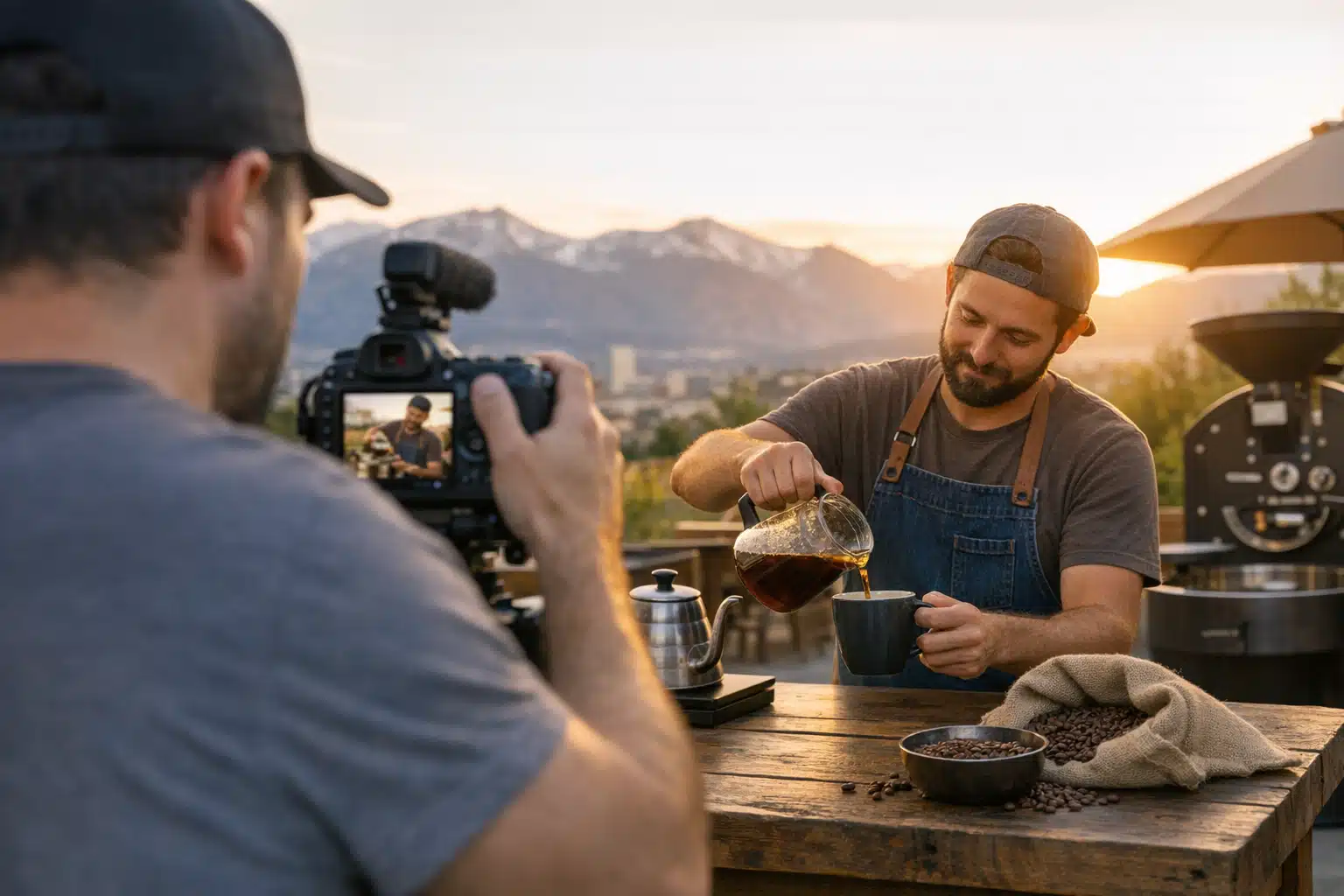
Think of a Wash Park coffee roaster releasing five 20-second clips over three weeks. Each clip covers one bean origin. That structure builds a story arc followers follow, instead of scattered posts they scroll past.
What Makes Denver Filming Different
Colorado’s high-altitude sun produces harsh midday shadows from roughly 11 a.m. to 2 p.m. Golden-hour light near the foothills arrives fast and fades faster than at sea level.
These conditions shape your schedule:
- Film exteriors early or late to avoid blown-out highlights on faces.
- Watch spring snow squalls that roll in from the west within an hour.
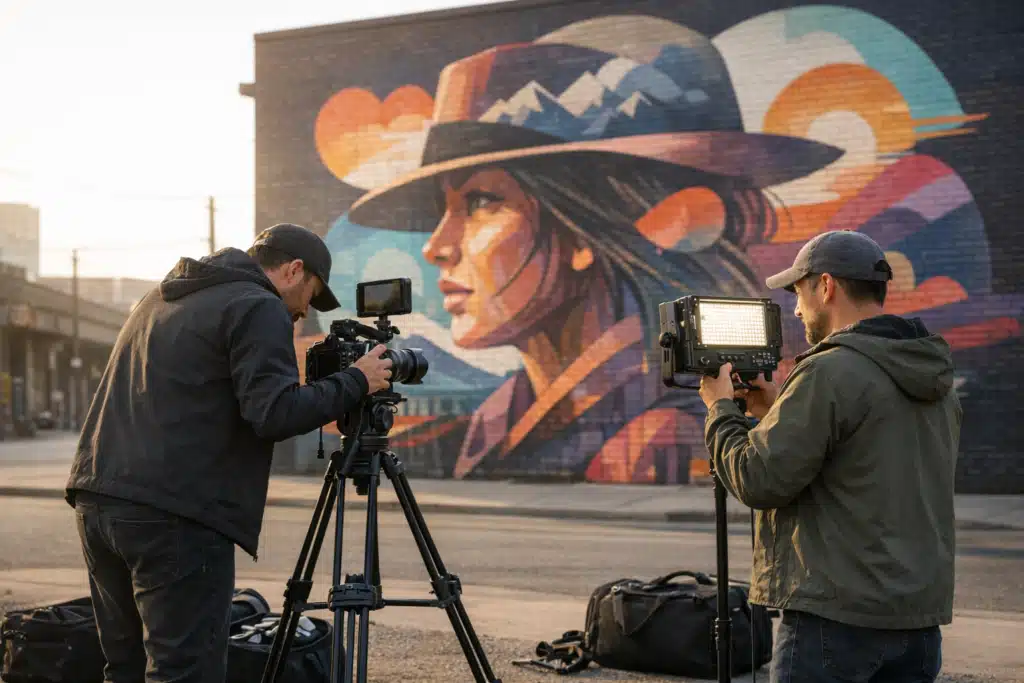
- Book RiNo murals midweek when foot traffic stays low and backgrounds stay clean.
Step-by-Step: How to Plan Your Social Media Video Campaign
To plan a video campaign that earns engagement, follow these seven steps in order.
- Set one measurable goal. Pick saves, shares, DMs, or website clicks. One goal keeps every video focused.
- Define your audience segment. A Cherry Creek boutique targets a different viewer than a Baker District brewery.
- Choose your platform first. Vertical 9:16 for Reels and TikTok. Horizontal for YouTube. Never crop a wide shot after the fact.
- Build a content series. Group four to six videos under one theme with a repeating hook.
- Write a shot list. List every scene, angle, and location before shoot day.
- Schedule the shoot around Denver light. Match interior and exterior scenes to time blocks.
- Plan your posting cadence. Release on a fixed day and time each week.
How to Build a Content Series That Holds Attention
A series repeats a format so viewers recognize it instantly. Repetition trains the algorithm and your audience at the same time.
Example: a LoDo fitness studio posts “Monday Move” every week. Same intro card, same music sting, one new exercise each time. By week four, followers wait for it.
Your engagement strategy should reward repeat viewing with something small each post. A tip, a reveal, or a punchline keeps people returning.
What to Prepare Before Your Denver Video Shoot
Preparation decides whether a shoot day runs two hours or six. Arrive with these items locked down.
- Approved script or talking points for every speaker on camera.
- Location permits if you film on Denver public property or in a park.
- Wardrobe that avoids tight patterns that flicker on screen.
- A backup indoor location for sudden Front Range weather.
- Captions written in advance since most viewers watch muted.
DIY Filming vs Hiring a Denver Videographer
Phone footage works for behind-the-scenes clips and quick updates. Audiences forgive rough visuals when the moment feels real.
Hire a videographer when the video carries your brand’s first impression. Lighting, framing, and clean audio separate a paid campaign from a hobby post.
Here is a simple rule we use with clients:
- DIY: daily stories, event snippets, live Q&A.
- Hire out: launch videos, brand films, paid ad creative.
Most Denver small businesses run a mix. They film casual clips in-house and book a production team for four to six anchor videos a year.
How to Structure Each Video for Maximum Engagement
The first three seconds decide whether a viewer stays. Open with movement, a bold claim, or a question they need answered.
Use this structure for short-form clips:
- Hook (0–3 seconds): state the payoff up front.
- Build (3–15 seconds): show the steps or story.
- Payoff (15–25 seconds): land the result or reveal.
- Prompt (final 2 seconds): ask for a comment, save, or follow.
Sound and Captions Drive Silent Watching
Around 85% of social video plays without sound. On-screen captions keep your message intact for muted viewers.
Add captions that match your speech word for word. Place them center-frame, clear of platform buttons at the bottom edge.

 Posted on Google
How to Schedule and Measure Your Campaign
Post on a fixed rhythm your audience can predict. Consistency beats volume for building a following that returns.
A workable Denver small-business cadence looks like this:
- Two to three short videos per week during a campaign push.
- One anchor video at the start to set the theme.
- Review metrics every seven days and adjust hooks that underperform.
Track saves and shares over likes. Saves and shares signal that your content earned real value, which platforms reward with reach.
When to Refresh Your Approach
If a video format stalls for two weeks, change the hook, not the topic. Small edits to your opening line often recover reach.
Keep the videos that spark comments and repost them as new cuts. A strong clip can run twice with a different opening and still perform.
Bringing It Together
A strong social media video campaign starts with one goal, one connected series, and a schedule built around Denver’s light and weather. Plan your shots, write captions ahead, and measure saves and shares each week. That discipline turns scattered posts into an engagement strategy that grows your local audience.
Expo Productions plans and films brand video campaigns for businesses and event organizers across Denver and Colorado. Call or text 303‑775‑0248, email matthew@expoproductions.com, or visit https://expoproductions.com to start your next campaign.
Sources
- Hootsuite – Social Media Video Marketing Statistics and Trends
- Denver.gov – Film in Denver Permitting Information
- National Weather Service – Denver/Boulder Forecast Office
